
Before You Bank Again, Read These 3 Security Musts
Ever had that sinking feeling when your bank texts you, “Did you make this purchase?”
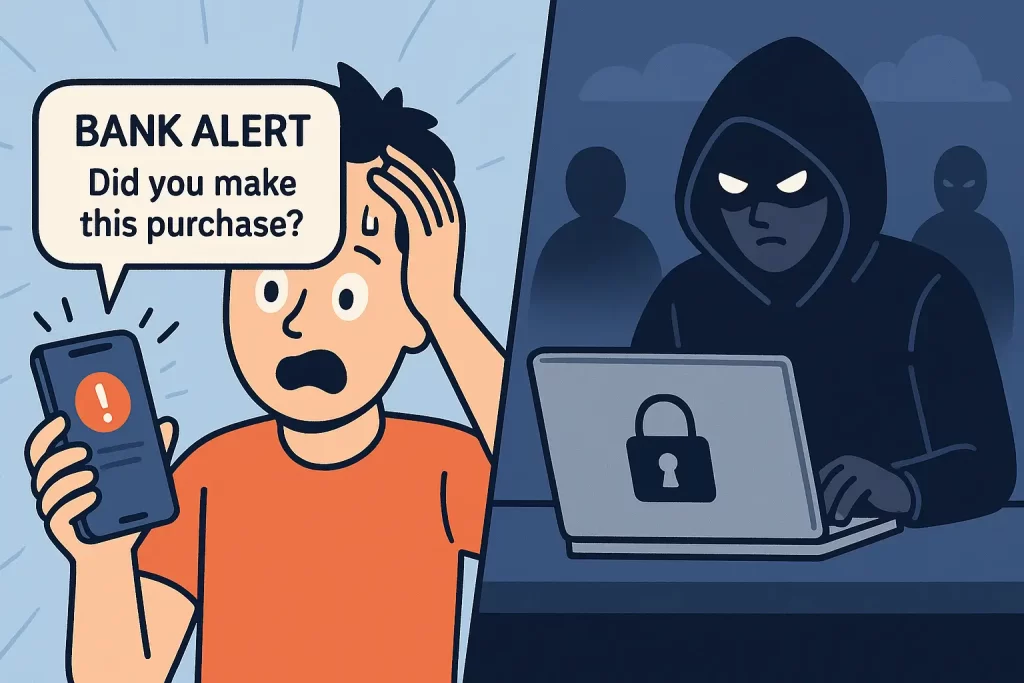
That moment of panic is exactly what cybercriminals count on. Let’s make sure you never get that text again.
Your financial information is perhaps one of the most sensitive pieces of data ever to be exchanged on the Internet. Whether it’s credit card information, your bank account, or something similar, it can be susceptible to cyberattacks.
This guide will show you three ways to protect your financial information from cybercriminals. Follow along and gain peace of mind knowing your data stays safe.
“Cybercriminals don’t need your permission to steal your info but you can stop them.”
1. Strengthen Your Passwords and Use MFA
While a password may be one thing, it may not be enough to protect your financial information. Enable multi-factor authentication (MFA) wherever possible for an extra layer of security.
- Create complex, unique passwords for each account.
- Enable MFA wherever possible for added verification.
- Use biometrics (fingerprint or facial recognition) when available.
Pro Tip:
Use a password manager to create and store complex passwords. It saves you from reusing the same ones and makes hacking nearly impossible.
2. Be Aware of Phishing Scams
Phishing scams are one of the most common ways cybercriminals steal financial information. They often disguise emails or messages as trusted organizations.
Spot the Fakes Before They Catch You
- Spelling or grammar mistakes in the message.
- Suspicious or mismatched sender addresses.
- Urgent “act now” or threatening language.
- Unexpected attachments or links.
Pro Tip:
If you’re unsure about an email, hover over the sender’s address and links before clicking. The real address often exposes fakes instantly.
3. Keep Your Software and Devices Updated
Developers release updates to fix vulnerabilities that hackers exploit. Staying current ensures your system remains secure.
Why It Matters |
What To Do |
|---|---|
|
Updates patch vulnerabilities hacker’s target. |
Turn on automatic updates in your system settings. |
|
Outdated software is a top cause of cyberattacks. |
Manually check for updates every few weeks. |
Pro Tip:
Turn on automatic updates across all your devices. That one setting quietly protects you from hundreds of security threats.
Common Mistakes to Avoid
Even with the best intentions, small slip-ups can leave your financial data exposed. Avoid these digital slip-ups:
“Security isn’t about being perfect it’s about being prepared.”
Lock It Down: Your Next Move
These three ways will give you the best protection possible for your financial information. Cybercriminals love acquiring this data because it can lead to identity theft.
Start small, update one password today.
Ready to lock down your finances? Start with these three steps and protect what matters most.